Musonic in your browser
The same home, mixes, lyrics and playlists as on your phone, made for a big screen. Nothing to install: open it and sign in to your server.
Brave, Chrome or Edge recommended · Firefox and Safari play everything too
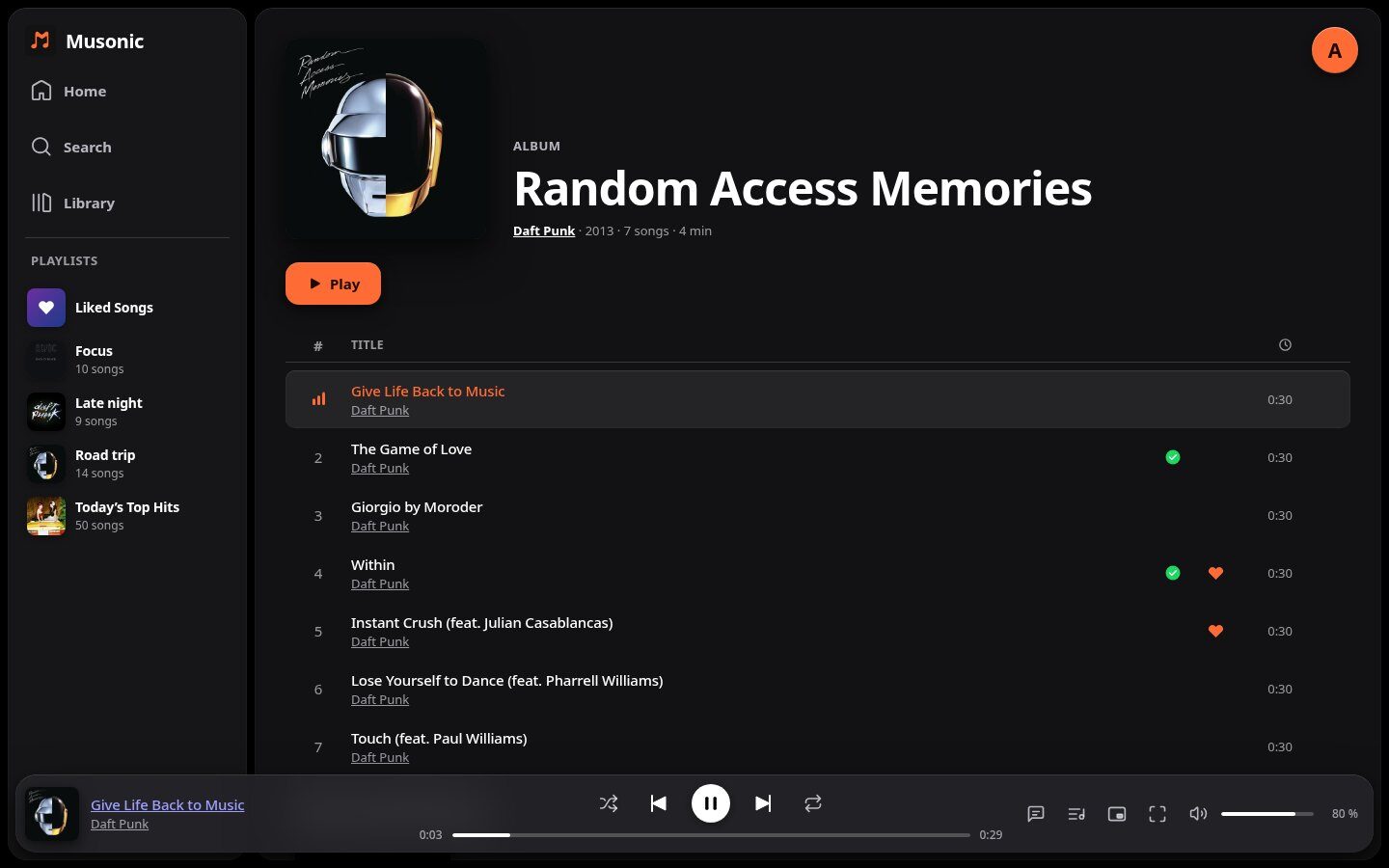
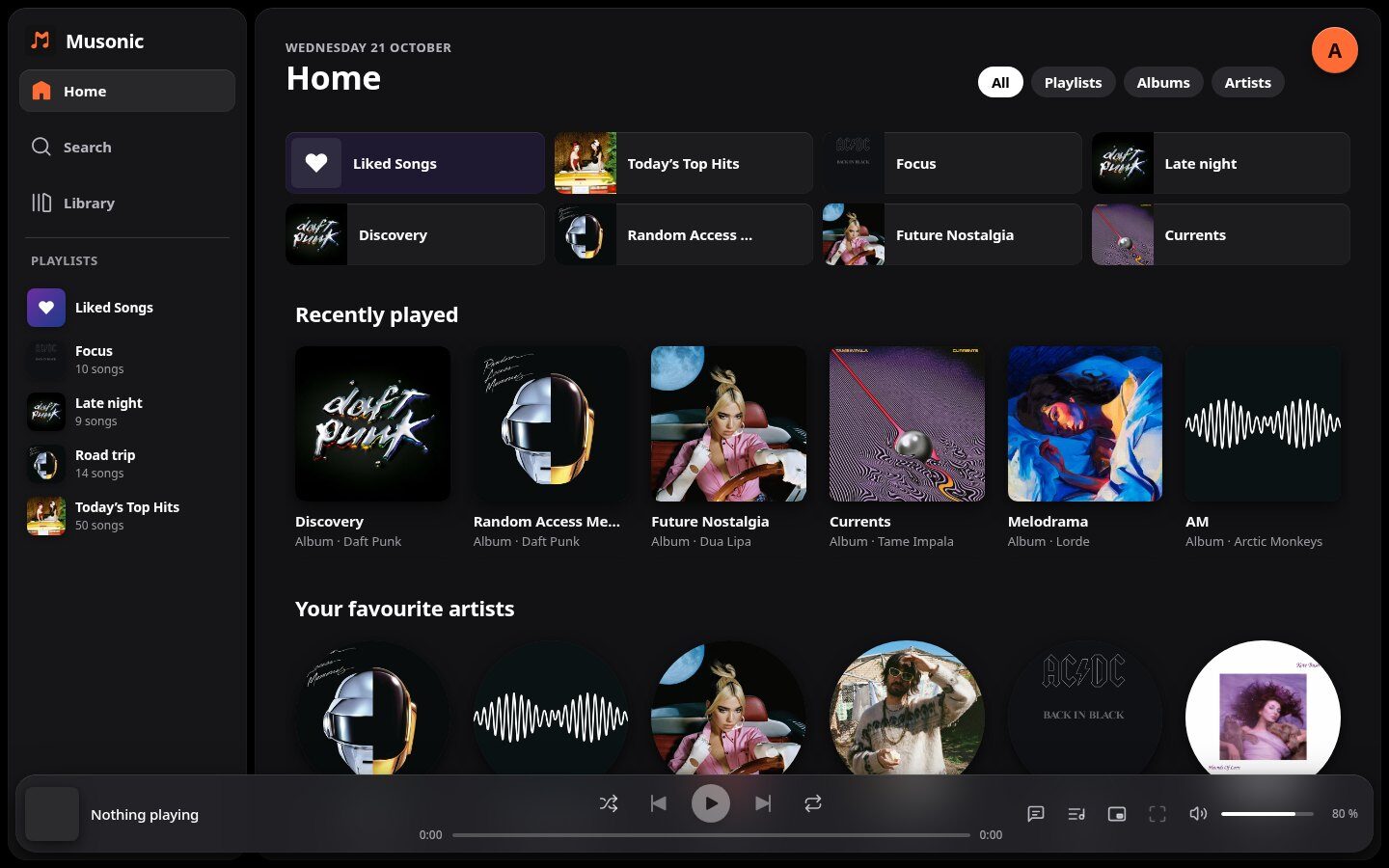
A home that knows your taste
Quick access, recently played, favourite artists, « More like… » and « Because you liked… », and Magic Mixes made each day from the genres you play most.
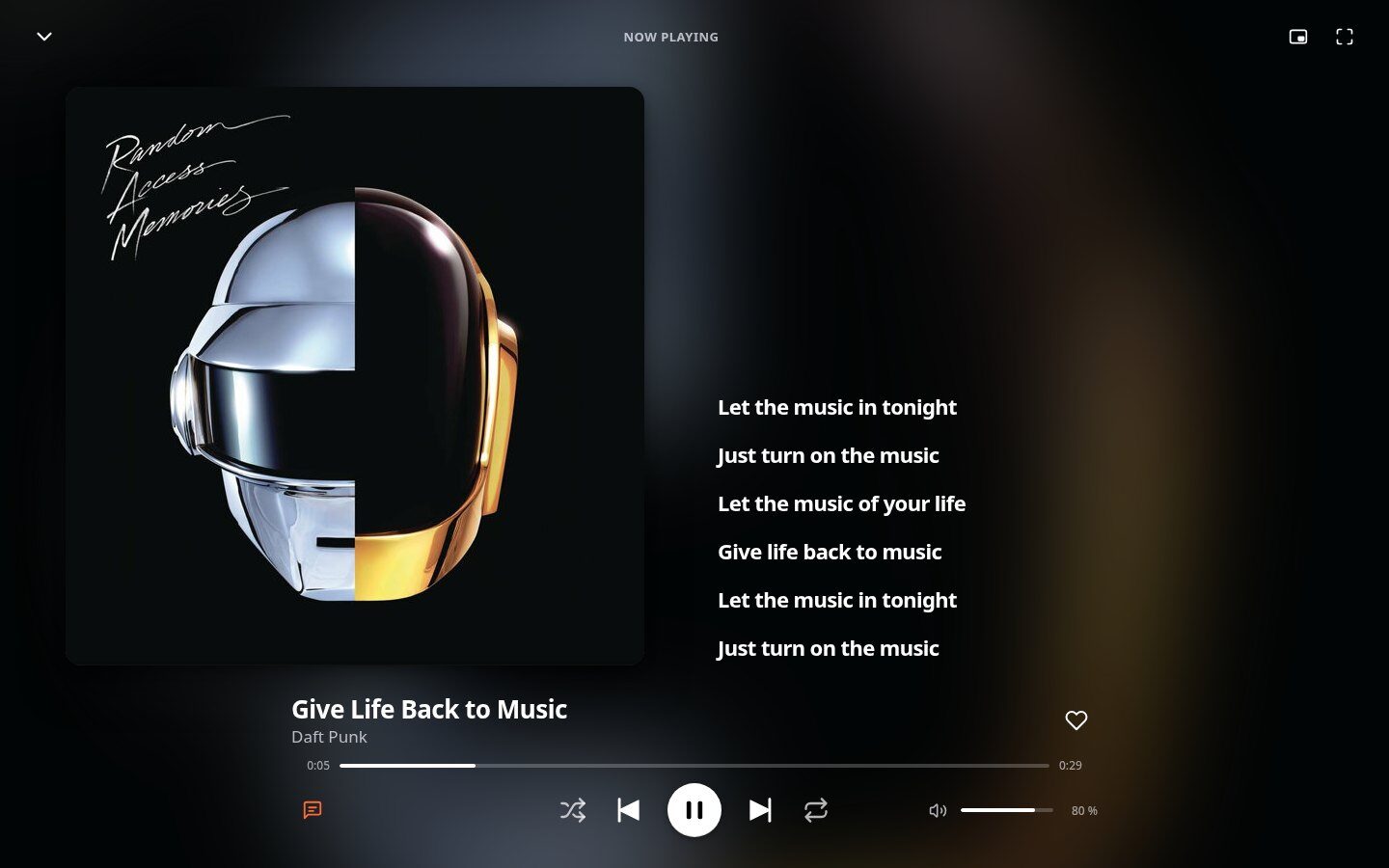
Full screen, with the lyrics
A large cover with the lyrics beside it, the sung line highlighted; click a line to jump to it. Crossfade from 0 to 12 seconds, shuffle, repeat, and a queue you reorder by dragging.
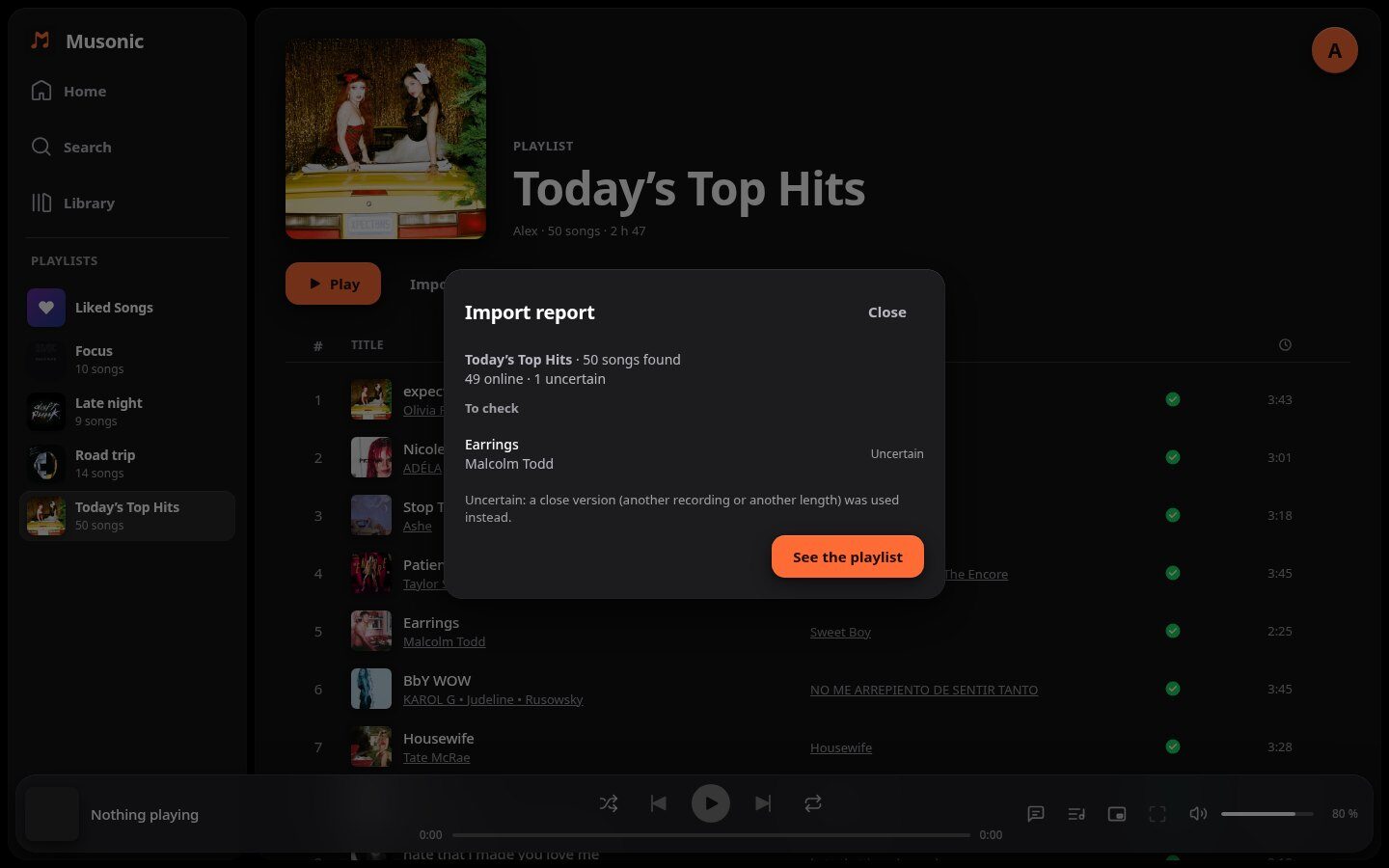
Bring your playlists over
Paste a Spotify, Deezer or YouTube Music playlist link. Your server rebuilds it from your library and the online catalogue, even with the window closed, then lists the songs it was unsure of.
And also
Podcasts
Follow shows, pick up an episode where you left it on any device, up to 2× speed, back 15 s and ahead 30 s.
Musonic Connect (beta)
The « Devices » button moves playback to any of your devices at the same second; the player bar then becomes its remote.
The keyboard
Space to play or pause, Ctrl + ← → for the previous or next song, the media keys, Esc to close the full-screen player.
A floating mini player
It stays on top of every window, even with the browser minimized. Needs Brave, Chrome or Edge.
Your last listening
It comes back when the page opens, paused where you stopped, on this device or another one.
English and French
The browser's language by default; your choice is shared with this website.
Install it on your computer
In Chrome, Edge or Brave, the install button in the address bar turns Musonic into an app with its own window and icon. It is still the web player: nothing else to update.
On iPhone? Add it to your home screen
There is no Musonic app for iPhone: use the web player. Open it in Safari, then Share → « Add to Home Screen »: it opens from its own icon, like an app.
Which server?
The web player reaches servers that allow it, over https://: Musonic Server and Navidrome do. Podcasts, playlist import and Musonic Connect need Musonic Server; with another Subsonic server, the rest works.
At your own address
Musonic Server can serve the web player itself: one click in its console (Settings → Musonic Web) installs the latest version at your-server/app, already set to connect to it.