Your music, on your phone
The Musonic app plays the music of your own server on Android: synced lyrics, mixes built from what you listen to, downloads for places without signal, and Android Auto in the car.
Android 7.0 or later · free · public code, non-commercial licence
Not on the Play Store: the app tells you when an update is out.
Lyrics that follow the song
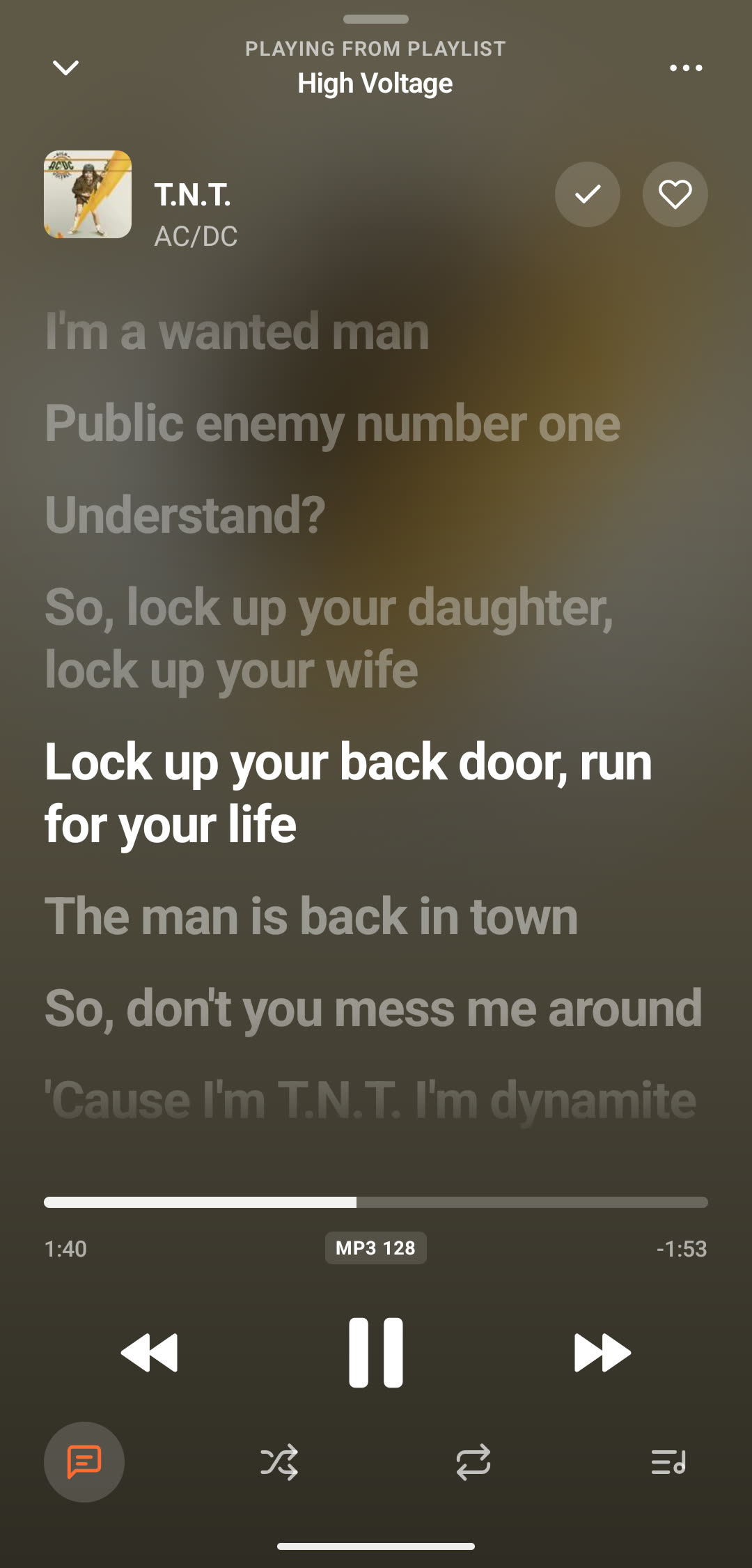
Line by line inside the player, the sung line lit up. Tap a line to jump to it. The lyrics come from your server, or else from LRCLIB.
Mixes built from what you play
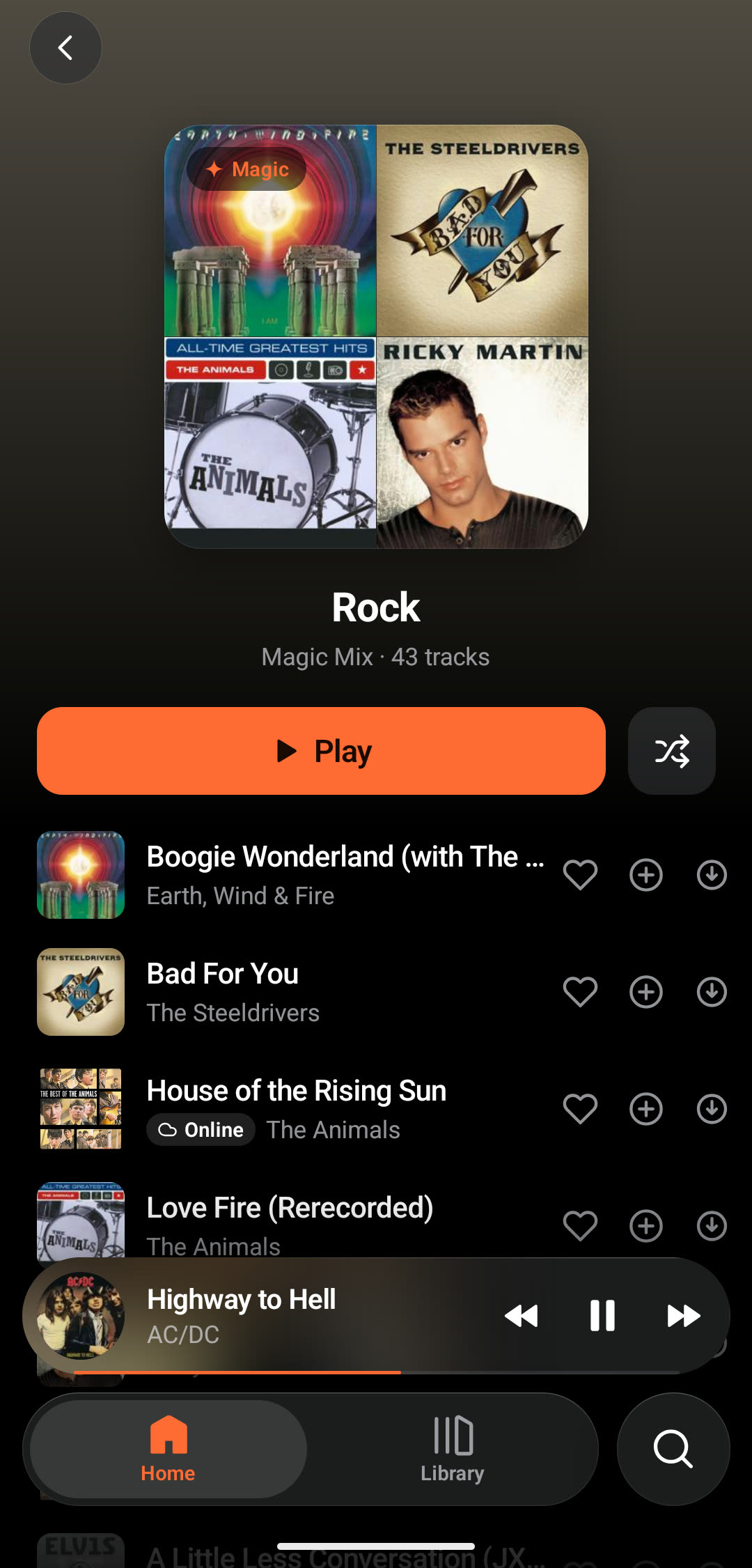
One Magic Mix per genre you love: your songs, with a few discoveries from the online catalogue in between, marked « Online ». The home page adds picks for you and artists to discover.
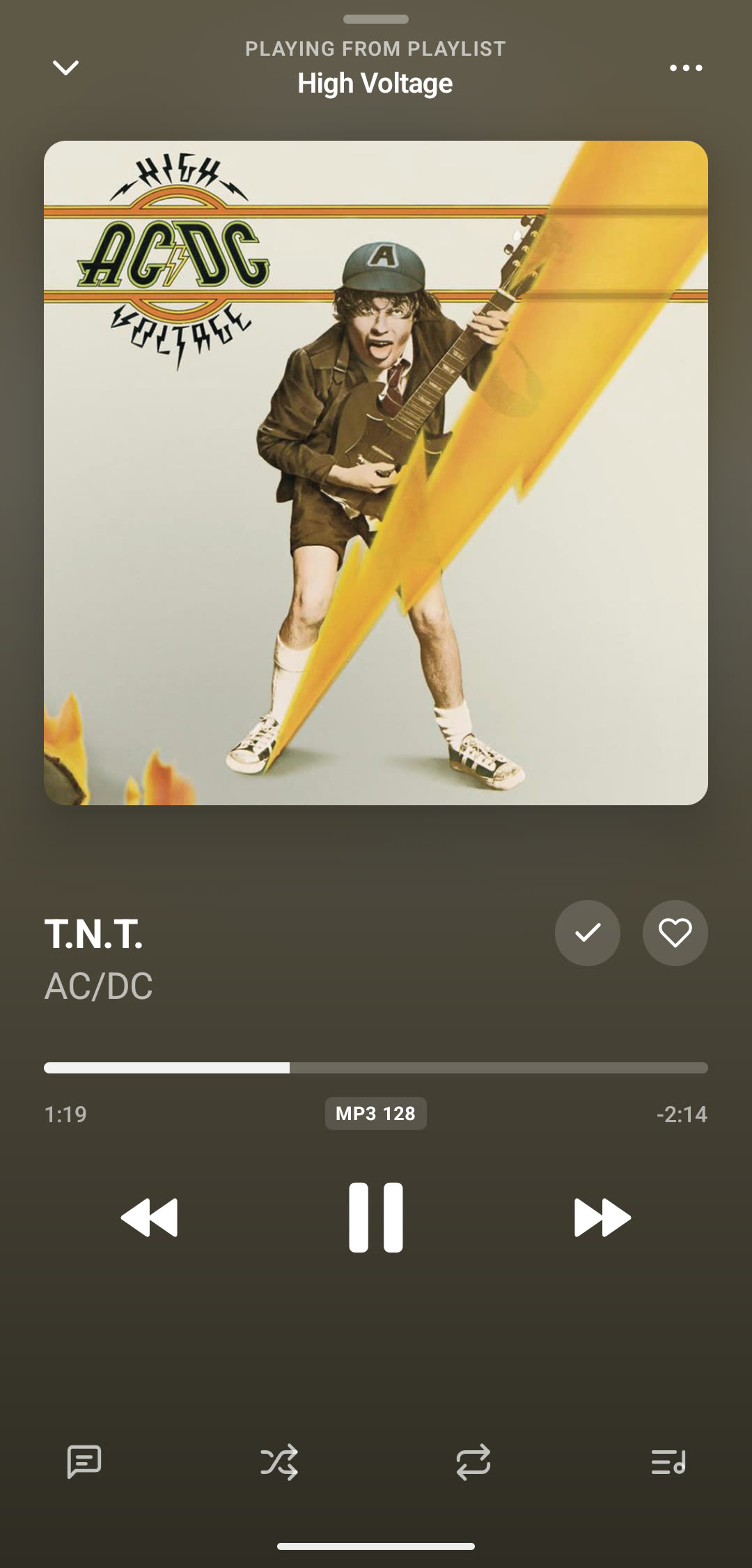
Crossfade, done by Android
From 0 to 12 seconds: the next song fades in over the end of the current one. Android's own player does it, and never when you skip a song yourself. Shuffle, repeat, a sleep timer and a queue you reorder by dragging.
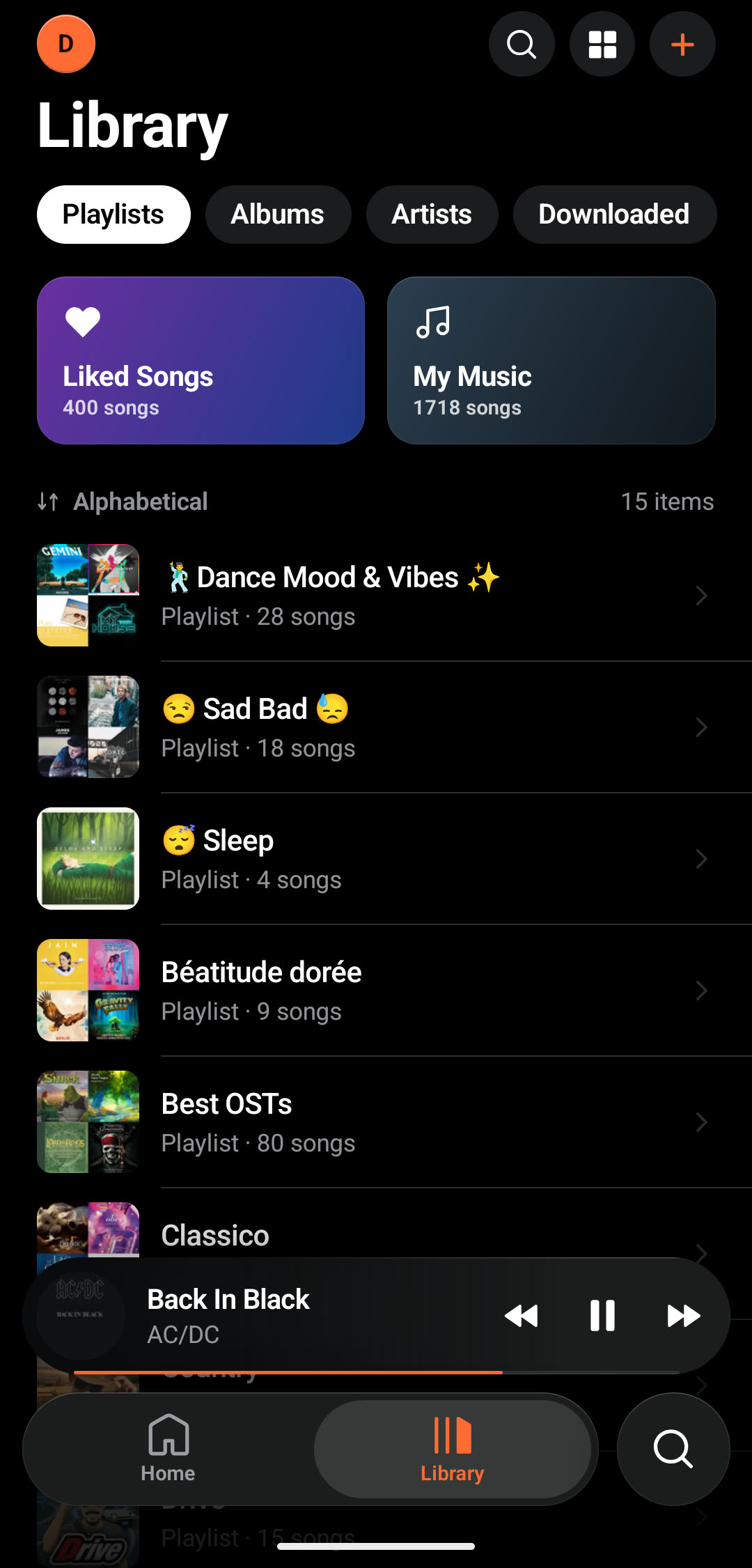
Downloads for places without signal
Download playlists, albums or single songs and play them with no connection; downloads keep the original file and wait for Wi-Fi unless you say otherwise. Streaming quality is set apart for Wi-Fi and mobile data: original, 320, 192 or 128 kbit/s.
And also
Android Auto (beta)
Your playlists, albums, artists, downloads and podcasts on the car's screen. Musonic starts on its own when the car asks for it.
Podcasts
Follow shows and pick up an episode where you left it, on any device. Change the speed, go back 15 s or ahead 30 s.
Your playlists from elsewhere
Paste a Spotify, Deezer or YouTube Music playlist link: your server rebuilds it, and a small pill shows the progress.
Musonic Connect (beta)
See what plays on your other devices, control them, and move the music from one to another at the same second.
English and French
Or the phone's language. Labels for TalkBack, large text sizes, and a landscape layout on every screen.
Nothing sent behind your back
No ads, nothing about how you use the app or when it crashes. Your password is used once to sign in: with Musonic Server the app then keeps only a device key; with other Subsonic servers, a token computed from it (or the password itself, if that server refuses tokens).
Which server?
With Musonic Server you get everything. With Navidrome or another Subsonic server, you get your library, playlists, likes, lyrics and mixes; podcasts, playlist import and Musonic Connect need Musonic Server.
On iPhone? Use the web player
There is no Musonic app for iPhone. The web player runs in Safari and can be added to your home screen, where it opens like an app.